AuraDune · 奥若杜茵智能沙画
AuraDune Desktop kinetic sand table
A compact, app-controlled sand art table that draws with a steel ball, fine sand and magnetic motion.
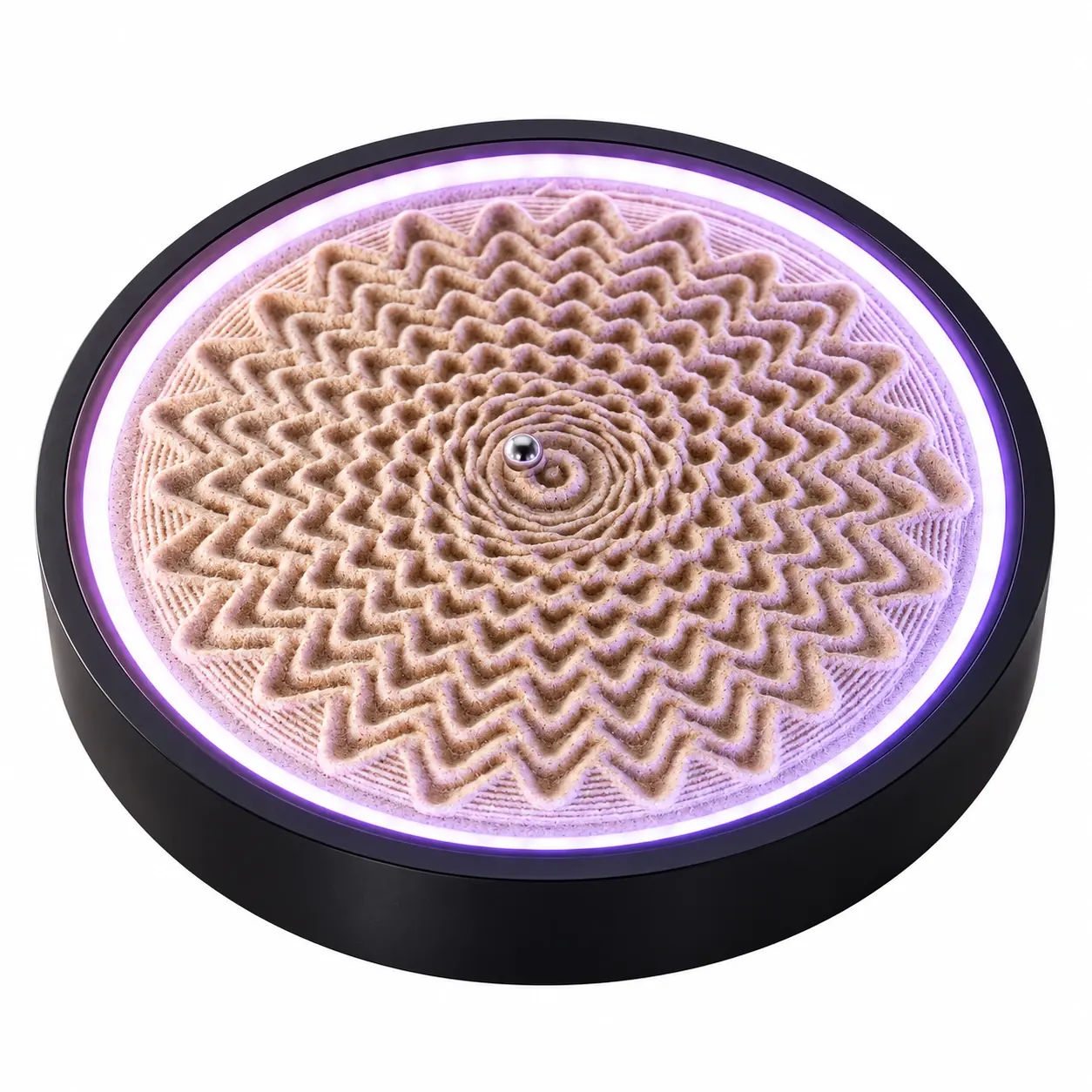
Sand art, one line at a time
A hidden magnetic motion system guides a steel ball through fine sand. Choose a pattern in the AuraDune app and watch the drawing take shape. The 250 mm desktop design fits a desk or side table, with ambient lighting you can adjust to your space.
Choose patterns or create your own
- Browse patterns and arrange them into playlists.
- Convert simple images and line drawings into sand paths, then preview the result.
- Draw a design in the app or use Live Draw over local Wi-Fi.
- Adjust drawing speed, light colour, brightness and animated lighting effects.
A closer look
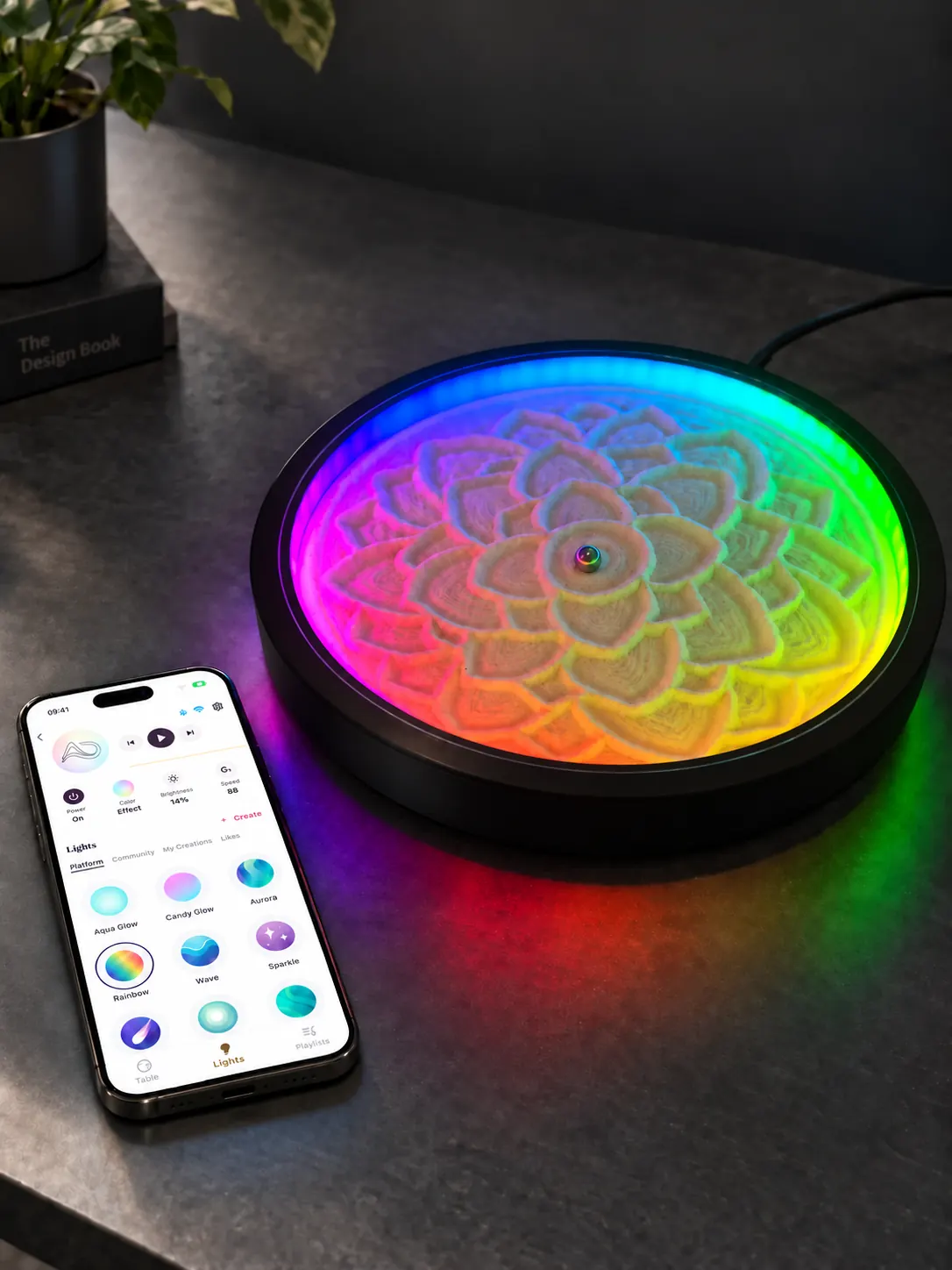
Adjust the atmosphere
Set colours, brightness and animated lighting effects in the app.
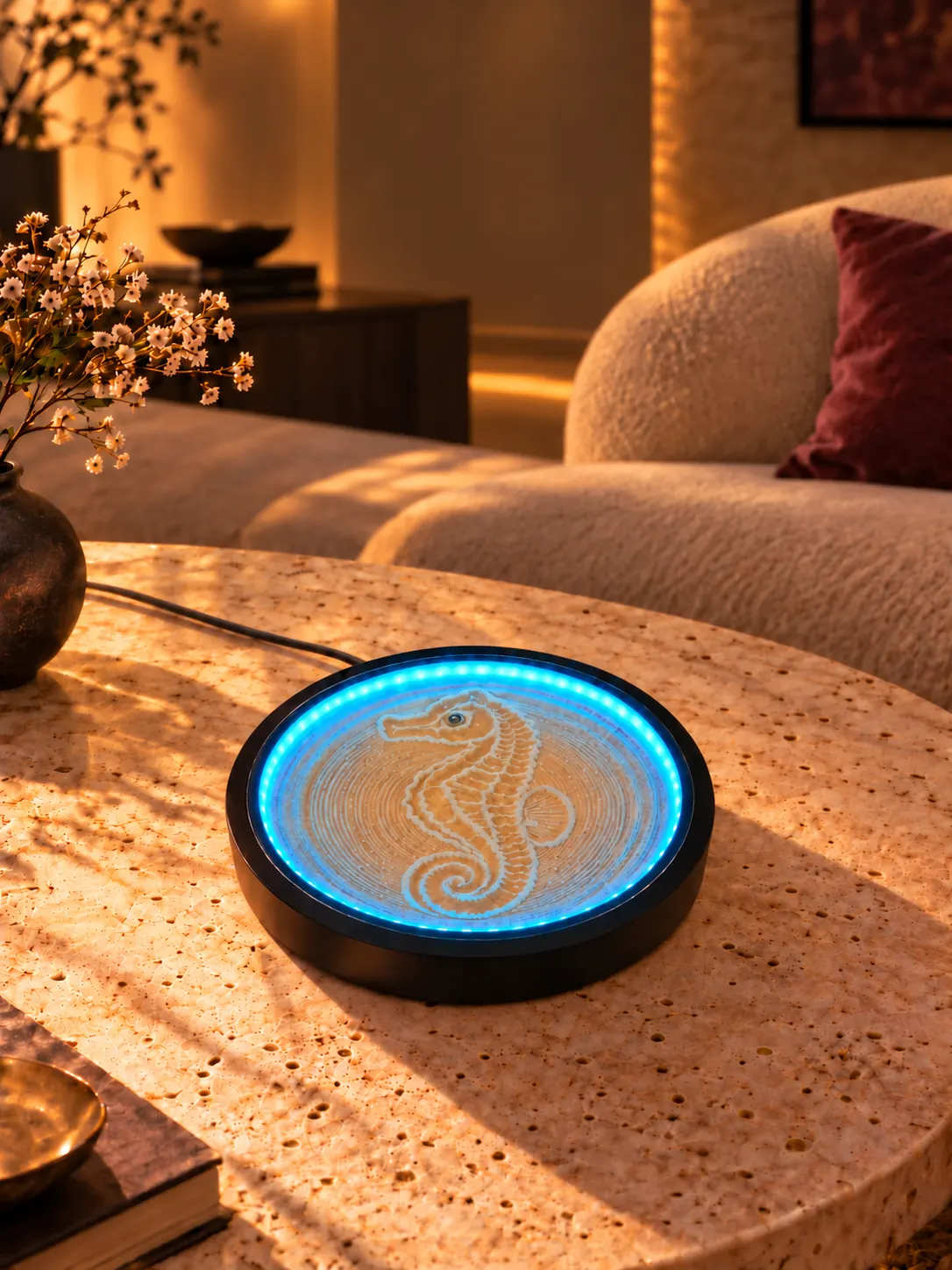
Make room for a small ritual
A 250 mm footprint fits a desk or side table. Choose a stable, level surface near a power socket.
From unboxing to your first pattern
Power on
Place the table level and connect the supplied USB-C power adapter.
Pair and connect
Pair over Bluetooth in the app, then configure 2.4 GHz Wi-Fi for full control.
Preview and play
Choose a pattern or create a simple drawing, preview the path, then send it to the table.
Product specifications
- Diameter
- 250 mm
- Height
- 65 mm
- Power
- USB-C
- Connection
- Bluetooth · 2.4 GHz Wi-Fi
- Companion app
- iOS · Android
Bluetooth setup. Wi-Fi control.
Pair nearby over Bluetooth, then configure a 2.4 GHz Wi-Fi network. Wi-Fi is essential for full control, including pattern uploads and Live Draw. For direct local control, keep your phone and table on the same network. Optional Remote Access requires an internet connection and must be enabled in the app.
Read the connection guide →Questions about AuraDune Desktop
What is a kinetic sand table?
A kinetic sand table uses a magnet beneath the sand to move a steel ball. The moving ball traces lines that gradually form a pattern.
Can I use my own pictures?
The app can trace simple images and drawings into sand paths. Preview the result before drawing: background texture and fine detail can affect the output, and separate shapes need connecting lines because the ball cannot lift.
Does it need Wi-Fi?
Yes, Wi-Fi is needed for full control. Bluetooth is used for nearby pairing, Wi-Fi configuration and basic controls. AuraDune connects to 2.4 GHz Wi-Fi.
What happens when I play a playlist?
The app prepares and syncs the playlist’s patterns to the table before playback. Keep AuraDune open, your phone unlocked and Wi-Fi connected until syncing finishes.
Does my phone need to stay on the same Wi-Fi?
Yes for direct local control. If you want to use Remote Access, enable it in the app first; both the phone and table need an internet connection.
How is AuraDune powered?
AuraDune uses USB-C power. Use the supplied power adapter and place the table on a stable, level surface.